
Review: Is the HiDock H1 the Ultimate Work-From-Home Upgrade?
If you are anything like me, your desk is a constant battleground between productivity and cable clutter. We all want that clean, minimalist setup, but we also need a dozen dongles to get anything done. I recently integrated the HiDock H1 into my workflow, and it attempts to solve two major headaches at once: it’s a powerful docking station and an AI-powered audio hub.
After putting it through its paces with my MacBook Pro setup, here is my take on whether it’s worth the investment.
The "One-Cable" Solution
First and foremost, the HiDock H1 is a legitimate 11-in-1 docking station. If you are a MacBook user, you know the struggle of the "dongle life." The H1 solves this elegantly. I connect my MacBook Pro via a single USB-C cable, and suddenly I have everything I need.
It successfully drives my large external display and powers the laptop simultaneously, effectively eliminating the need for a separate charger brick cluttering the floor. A huge plus for me personally is the inclusion of SD card slots. Apple has been stingy with ports on various models over the years, and having those slots right on the dock—rather than reaching for a separate reader—is a small quality-of-life win that adds up daily.
Audio and Calls
The H1 is designed primarily as a communication device, and it shows. In terms of audio fidelity, it isn’t going to replace a high-end audiophile sound system for music, but for calls, it is excellent. Voices come through crisp and clear.
One of the standout features is the Bi-directional Noise Cancellation (BNC). It doesn’t just filter out background noise on my end (like a barking dog or clicking keyboard); it also cleans up the incoming audio from the person I’m talking to. If you spend hours on Zoom or Teams, this is a game-changer. Plus, the integrated detachable Bluetooth earphone is a brilliant design choice—perfect for when you need to switch from "speakerphone mode" to a private conversation instantly.
A MAJOR feature that I like is that I can have the app and hardware automatically start recording calls as soon as they happen. So I don’t have to remember to hit the record button. And the H1 has Bluetooth, so I can pair my iPhone with it and use it as a speakerphone. And yes, the device can automatically start recording those phone calls as well!
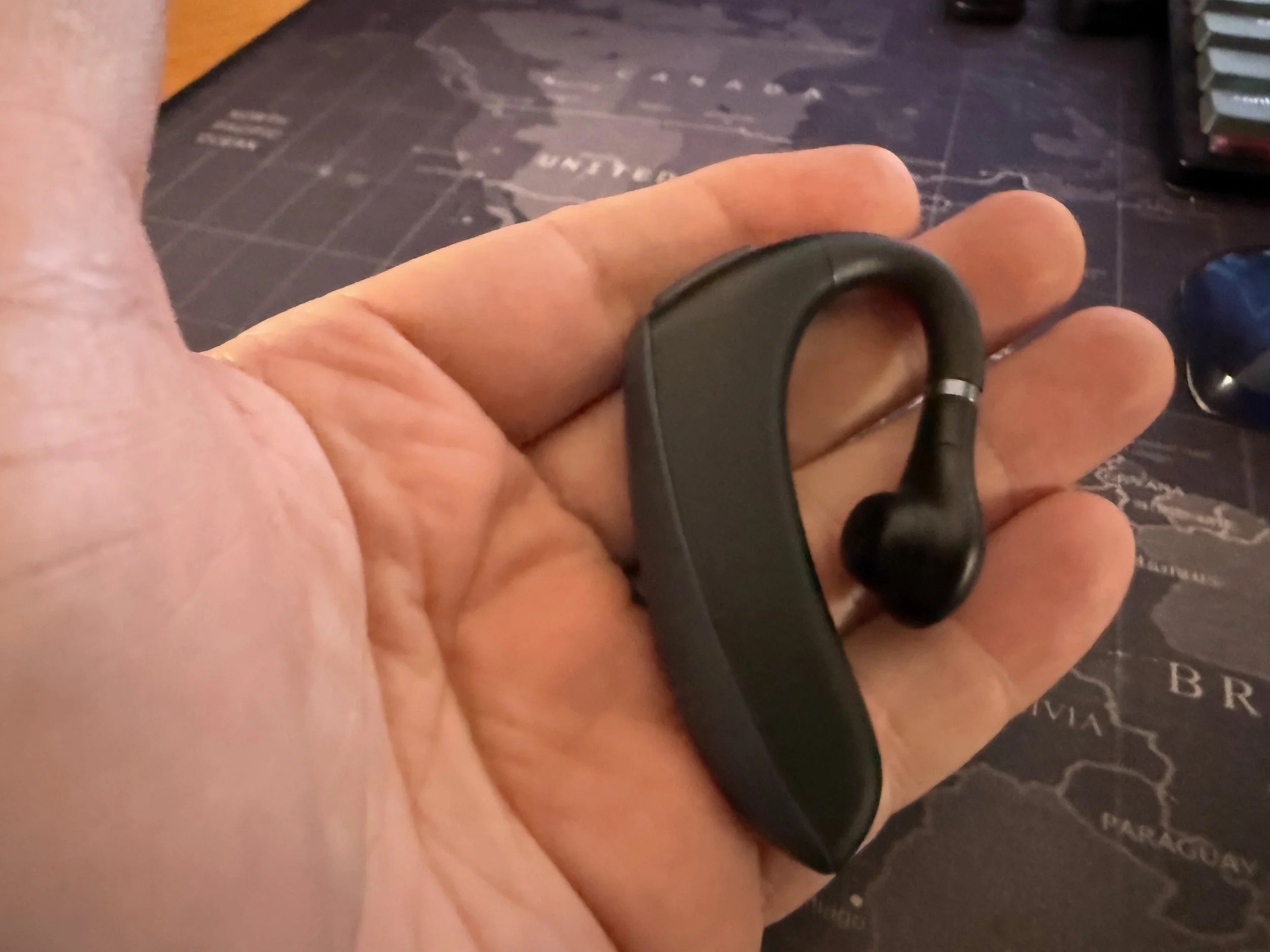
The earpiece included with the HiDock H1.
The AI Advantage
While the hardware is solid, the software is where the H1 really differentiates itself. The built-in recording and transcription features are impressive. The transcription accuracy is very high, capturing technical terms and nuances better than many standard plugins I’ve used.
What I appreciate most is the flexibility. You aren't locked into a single "black box" algorithm; the accompanying software (HiNotes) allows you to choose which AI model you want to use for your summaries. Whether you need a quick bulleted list or a detailed meeting recap, the ability to tailor the output to your needs makes it a genuine productivity tool, not just a gimmick.
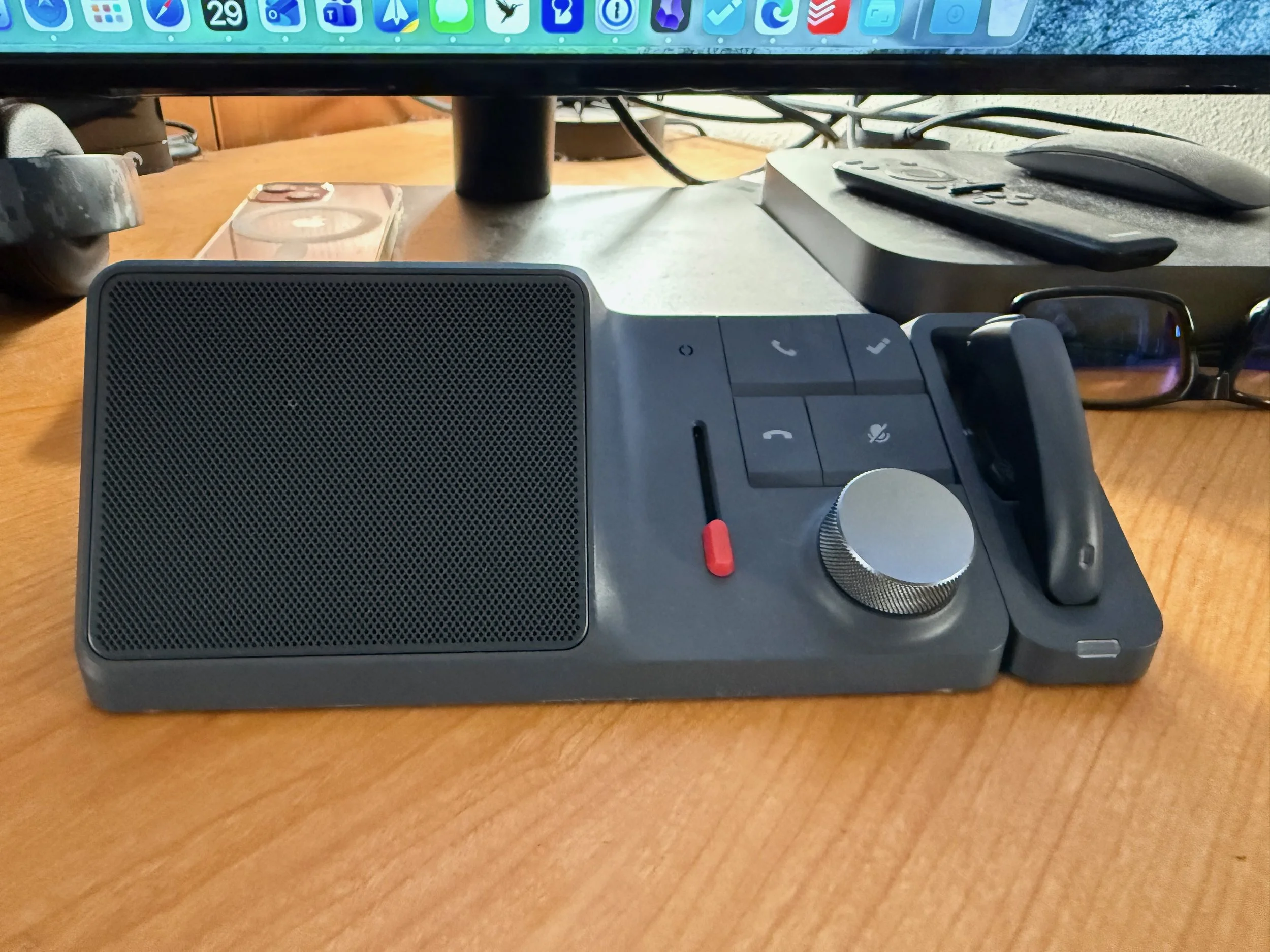
It looks pretty good on my desk, don’t you think?
The Verdict
Aesthetically, the HiDock H1 fits perfectly on my desk. It looks modern without being flashy, and the build quality feels substantial.
Is it worth it? In my experience, yes. It combines a competent Thunderbolt-style dock with a high-end speakerphone and an AI meeting assistant. By consolidating three devices into one, it offers great value and cleans up your workspace in the process. If you are looking to streamline your desk and your meetings, the HiDock H1 is worthy of your consideration..